
Image Tools
SVG to PNG Converter Online
Convert SVG to PNG online for free in seconds. Upload an SVG file, preview the rasterized PNG, and download instantly in your browser.
Related
Other Image Tools
Overview
What is an Online SVG to PNG Converter?
An online SVG to PNG converter turns scalable vector graphics into a raster PNG image you can use in slides, documents, social posts, and apps that do not support SVG directly.
How to use
How to use this tool
- 1
Upload Your SVG
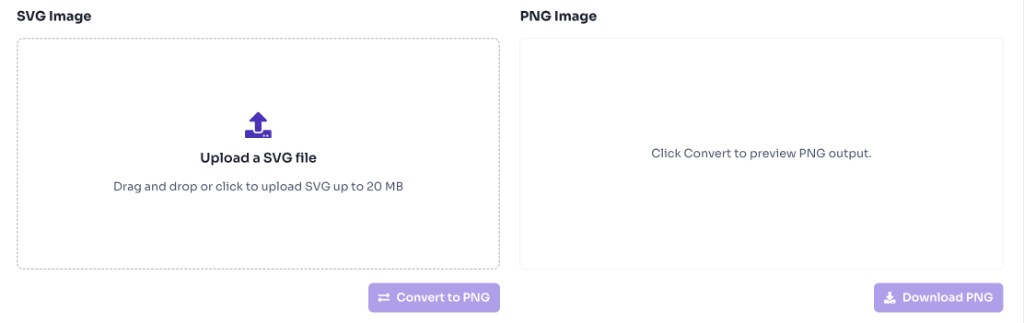
Click the upload area or drag and drop an SVG file up to 20 MB.
- 2
Convert to PNG
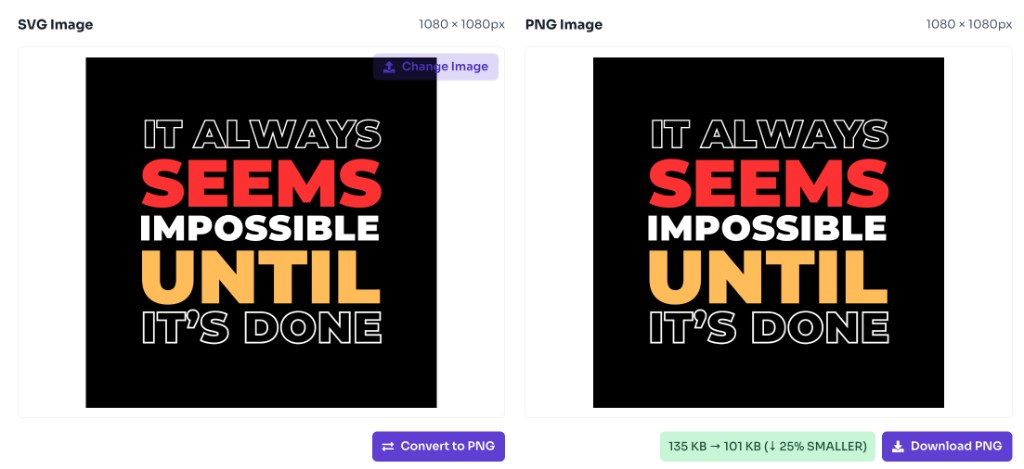
Click Convert to PNG to generate the PNG preview.
- 3
Download PNG
Download the converted PNG file instantly.
Why use it
When to use SVG to PNG Converter?
SVG is great for the web, but many tools only accept PNG. This converter helps when you need a static image file from vector artwork.
- Turning logos and icons into PNG for presentations and documents
- Preparing SVG assets for platforms that require raster images
- Sharing vector designs as easy-to-open PNG files
- Creating PNG thumbnails from SVG illustrations
- Exporting UI icons for design handoff or mockups
Features
Benefits
Convert SVG files to PNG in seconds
Convert SVG files to PNG in seconds
Preview the PNG output before downloading
Preview the PNG output before downloading
Preserves SVG dimensions from width, height, or viewBox
Preserves SVG dimensions from width, height, or viewBox
Works entirely in your browser
Works entirely in your browser
No account or watermark required
No account or watermark required
FAQ
Frequently asked questions
Quick answers about SVG to PNG Converter.
Yes. This tool is completely free with no login required.
Explore
More tools you may like
Newsletter
Stay Updated
Subscribe to FrontendGeek Hub for frontend interview preparation, interview experiences, curated resources and roadmaps.