
Image Tools
Image Color Inverter Online
Invert image colors online for free in one click. Upload a photo, flip colors instantly, and download the inverted image in your browser.
Related
Other Image Tools
Overview
What is an Online Image Color Inverter?
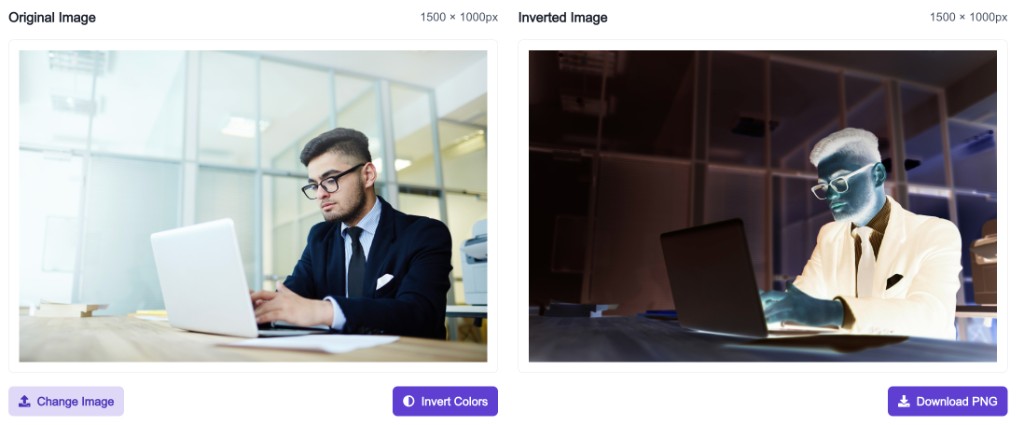
An online image color inverter flips each pixel to its opposite on the color wheel — turning light areas dark and dark areas light. It is the same effect as a photographic negative or CSS invert filter at 100%.
How to use
How to use this tool
- 1
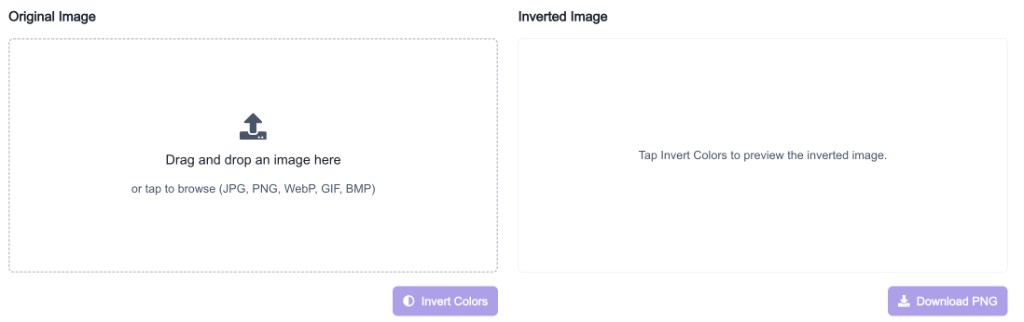
Upload Your Image
Click the upload area or drag and drop a JPG, PNG, WebP, GIF, or BMP file up to 20 MB.
- 2
Invert Colors
Click Invert Colors to generate the inverted preview on the right.
- 3
Download PNG
Download the inverted image as a PNG file instantly.
Why use it
When to use Image Color Inverter?
Color inversion is useful when you want a dramatic visual effect or need to preview how an image looks with reversed tones.
- Creating negative-style photo effects for social posts
- Testing UI designs with inverted reference images
- Generating high-contrast artwork from photos
- Exploring creative edits before using a full editor
- Quickly flipping dark/light themes in image mockups
Features
Benefits
Invert image colors in one click
Invert image colors in one click
Preview original and inverted images side by side
Preview original and inverted images side by side
Download the inverted image as PNG
Download the inverted image as PNG
Works entirely in your browser
Works entirely in your browser
No account or watermark required
No account or watermark required
FAQ
Frequently asked questions
Quick answers about Image Color Inverter.
You can upload JPG, PNG, WebP, GIF, and BMP images up to 20 MB.
Explore
More tools you may like
Newsletter
Stay Updated
Subscribe to FrontendGeek Hub for frontend interview preparation, interview experiences, curated resources and roadmaps.