
Image Tools
Image Color Picker Online
Pick colors from any image online for free. Upload a photo, click any pixel, and copy HEX, RGB, or HSL values instantly in your browser.
Related
Other Image Tools
Overview
What is an Online Image Color Picker?
An online image color picker lets you sample the exact color from any pixel in an uploaded image. Click anywhere on the photo to get HEX, RGB, and HSL values you can paste into CSS, design tools, or code.
How to use
How to use this tool
- 1
Upload Your Image
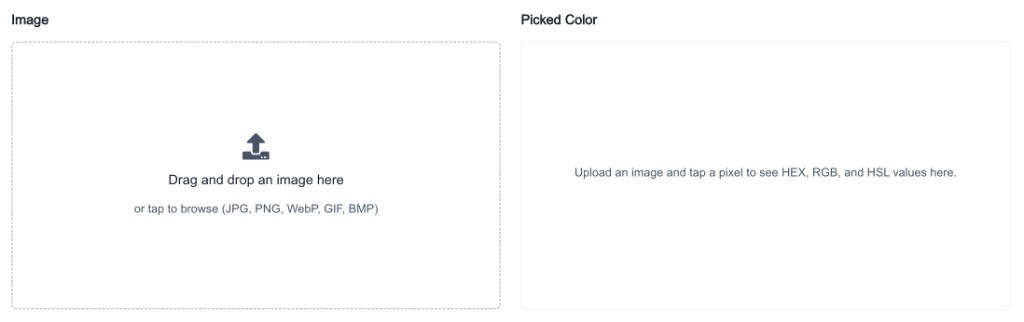
Click the upload area or drag and drop a JPG, PNG, WebP, GIF, or BMP file up to 20 MB.
- 2
Click to Pick a Color
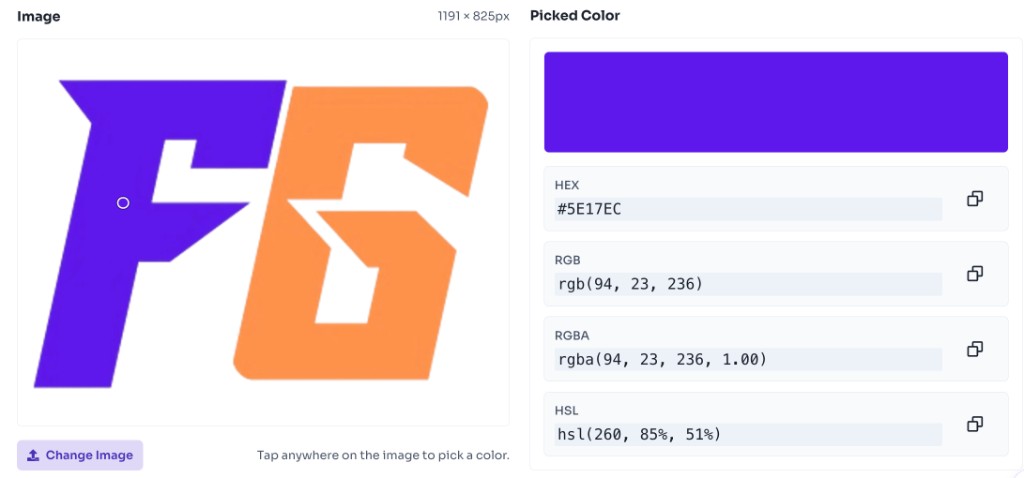
Click anywhere on the image to sample that pixel. A marker shows your selected point.
- 3
Copy Color Values
Copy the HEX, RGB, RGBA, or HSL value to use in your design or code.
Why use it
When to use Image Color Picker?
A color picker from image is ideal whenever you see a color you like but do not know its code.
- Matching brand colors from logos and marketing images
- Extracting palette colors from UI screenshots
- Getting exact CSS values for web development
- Sampling colors from inspiration boards and mood images
- Finding complementary tones from photographs
Features
Benefits
Pick colors from any image with one click
Pick colors from any image with one click
Get HEX, RGB, and HSL values instantly
Get HEX, RGB, and HSL values instantly
Copy color codes to clipboard in one tap
Copy color codes to clipboard in one tap
Works entirely in your browser
Works entirely in your browser
No account or watermark required
No account or watermark required
FAQ
Frequently asked questions
Quick answers about Image Color Picker.
The tool returns HEX, RGB, and HSL values for the selected pixel.
Explore
More tools you may like
Newsletter
Stay Updated
Subscribe to FrontendGeek Hub for frontend interview preparation, interview experiences, curated resources and roadmaps.