
Image Tools
PNG to SVG Converter
Convert PNG to SVG online for free in seconds. Upload a PNG image, preview the SVG output, and download instantly in your browser.
Related
Other Image Tools
Overview
What is an Online PNG to SVG Converter?
An online PNG to SVG converter creates an SVG file from a PNG image so you can use it in vector-friendly workflows, design tools, and web projects.
How to use
How to use this tool
- 1
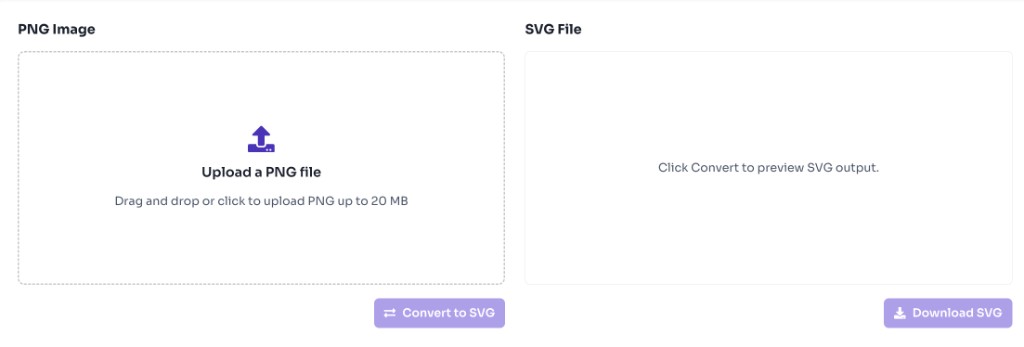
Upload Your PNG
Upload a PNG file up to 20 MB.
- 2
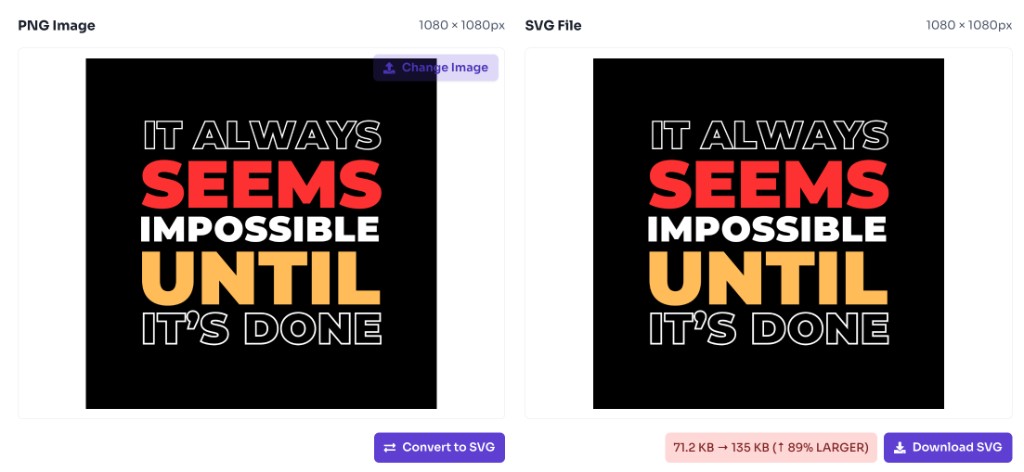
Convert to SVG
Click Convert to SVG to generate the SVG preview.
- 3
Download SVG
Download the converted .svg file instantly.
Why use it
When to use PNG to SVG Converter?
SVG is widely used for scalable graphics on the web, while PNG is a raster format. This tool helps bridge that gap quickly.
- Preparing PNG logos or icons for SVG-based design tools
- Converting PNG assets for web projects that prefer SVG
- Creating SVG wrappers for PNG graphics in UI workflows
- Exporting PNG images into an SVG-compatible format
- Testing SVG output before importing into Figma or Illustrator
Features
Benefits
Convert PNG to SVG in seconds
Convert PNG to SVG in seconds
Preview SVG output before download
Preview SVG output before download
Download a ready-to-use .svg file
Download a ready-to-use .svg file
Works entirely in your browser
Works entirely in your browser
No signup or watermark
No signup or watermark
FAQ
Frequently asked questions
Quick answers about PNG to SVG Converter.
Yes. This tool is completely free with no login required.
Explore
More tools you may like
Newsletter
Stay Updated
Subscribe to FrontendGeek Hub for frontend interview preparation, interview experiences, curated resources and roadmaps.