
Image Tools
Convert Image Formats Online for Free
Convert PNG to JPG online for free in seconds. Upload a PNG image, preview the JPG output, and download instantly in your browser.
Related
Other Image Tools
Overview
What is an Online WebP to PNG Converter?
An online WebP to PNG converter changes WebP images into PNG files for broader compatibility with editors, documents, and older tools.
How to use
How to use this tool
- 1
Upload Your WebP
Upload a WebP file up to 20 MB.
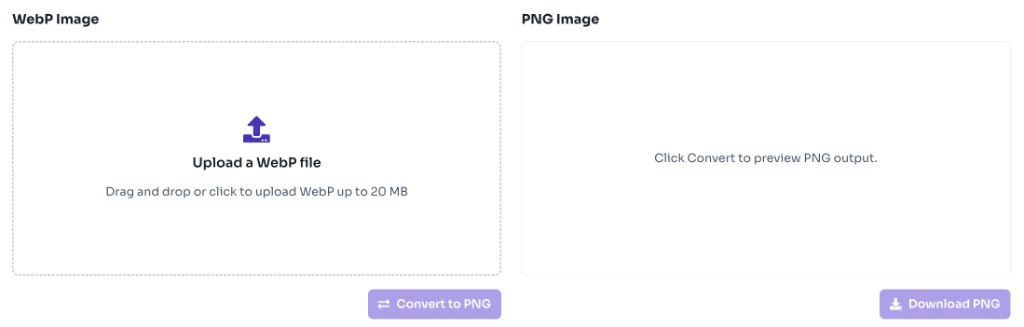
- 2
Convert to PNG
Click Convert to PNG to generate the PNG preview.
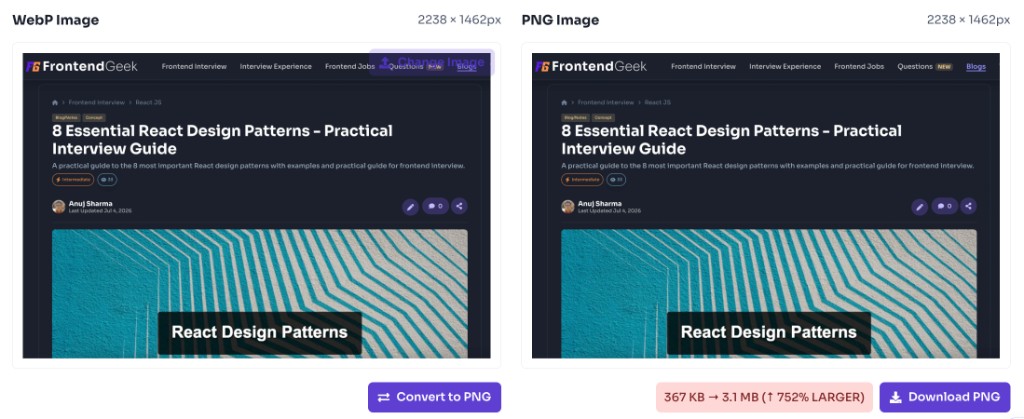
- 3
Download PNG
Download the converted PNG file instantly.
Why use it
When to use WebP to PNG Converter?
WebP is efficient on the web, but PNG remains the safest interchange format across many desktop apps.
- Opening WebP downloads in tools that only support PNG
- Converting WebP assets for slide decks and PDF workflows
- Preparing WebP images for older image editors
- Sharing images with teams that require PNG
- Creating PNG backups of WebP assets
Features
Benefits
Convert WebP to PNG in seconds
Convert WebP to PNG in seconds
Preview PNG output before download
Preview PNG output before download
Use PNG anywhere WebP is not supported
Use PNG anywhere WebP is not supported
Works entirely in your browser
Works entirely in your browser
No account required
No account required
FAQ
Frequently asked questions
Quick answers about Image Converter.
Yes. This tool is completely free with no login required.
Explore
More tools you may like
Newsletter
Stay Updated
Subscribe to FrontendGeek Hub for frontend interview preparation, interview experiences, curated resources and roadmaps.