Image Tools
Image Cropper Online
Crop images online for free in seconds. Upload a photo, drag to select the area, and download the cropped image instantly in your browser.
Related
Other Image Tools
Overview
What is an Online Image Cropper?
An online image cropper lets you trim photos to the exact area you need — removing unwanted edges, focusing on a subject, or matching a specific aspect ratio — without installing software.
How to use
How to use this tool
- 1
Upload Your Image
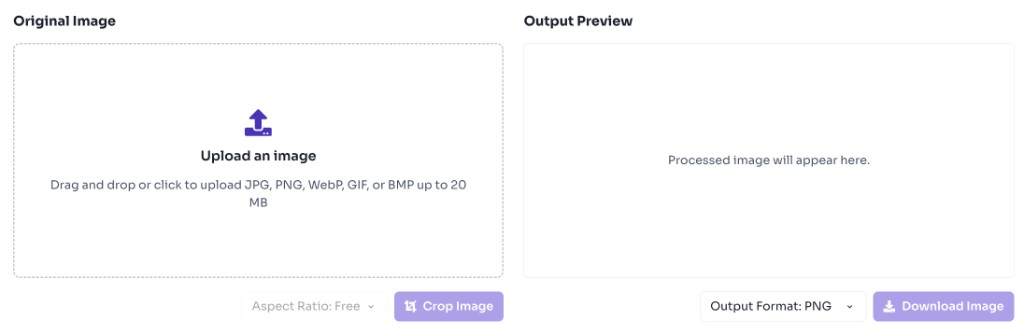
Click the upload area or drag and drop a JPG, PNG, WebP, GIF, or BMP file.
- 2
Select Crop Area
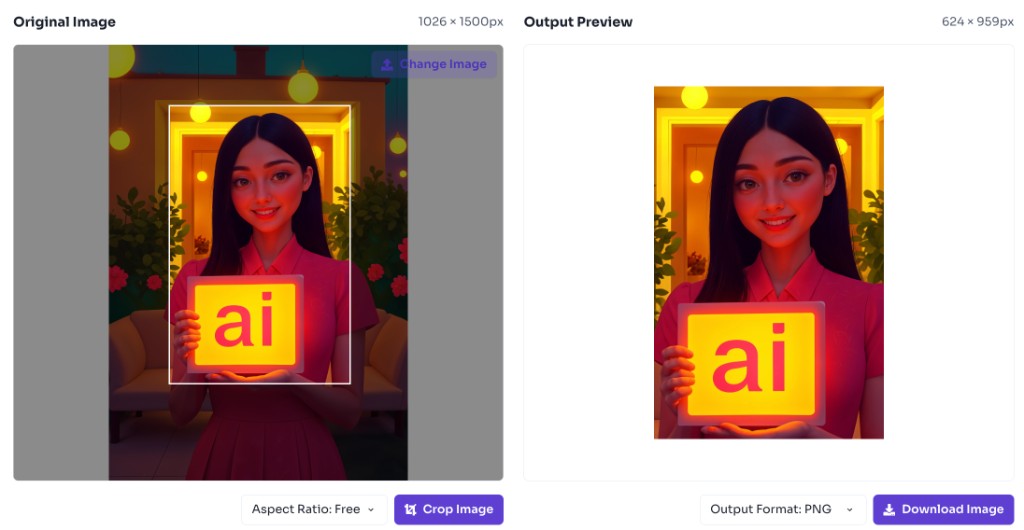
Drag on the image to choose the region you want to keep. Pick an aspect ratio if needed.
- 3
Crop and Preview
Click Crop Image to generate the cropped preview instantly.
- 4
Download Result
Download the cropped image in your preferred format.
Why use it
When to use Online Image Cropper?
An online image cropper is the fastest way to reframe a photo when you need a tighter composition, a specific aspect ratio, or a cleaner subject focus without opening desktop editing software.
- Profile pictures and social media posts that need 1:1, 4:5, or 16:9 framing
- Removing distracting edges, watermarks, or empty space around a subject
- Creating thumbnails, banners, and hero images for websites
- Cropping product photos for listings, catalogs, and marketplaces
- Preparing passport, resume, or form photos to required dimensions
Features
Benefits
Crop images in seconds with drag selection
Crop images in seconds with drag selection
Choose common aspect ratios like 1:1, 16:9, and 4:3
Choose common aspect ratios like 1:1, 16:9, and 4:3
Export as PNG, JPEG, or WebP
Export as PNG, JPEG, or WebP
Works entirely in your browser
Works entirely in your browser
No account or watermark required
No account or watermark required
FAQ
Frequently asked questions
Quick answers about Image Cropper.
Yes. This tool is completely free with no login required.
Explore
More tools you may like
Newsletter
Stay Updated
Subscribe to FrontendGeek Hub for frontend interview preparation, interview experiences, curated resources and roadmaps.